🎨
🎮
Learning / Family AI playbook
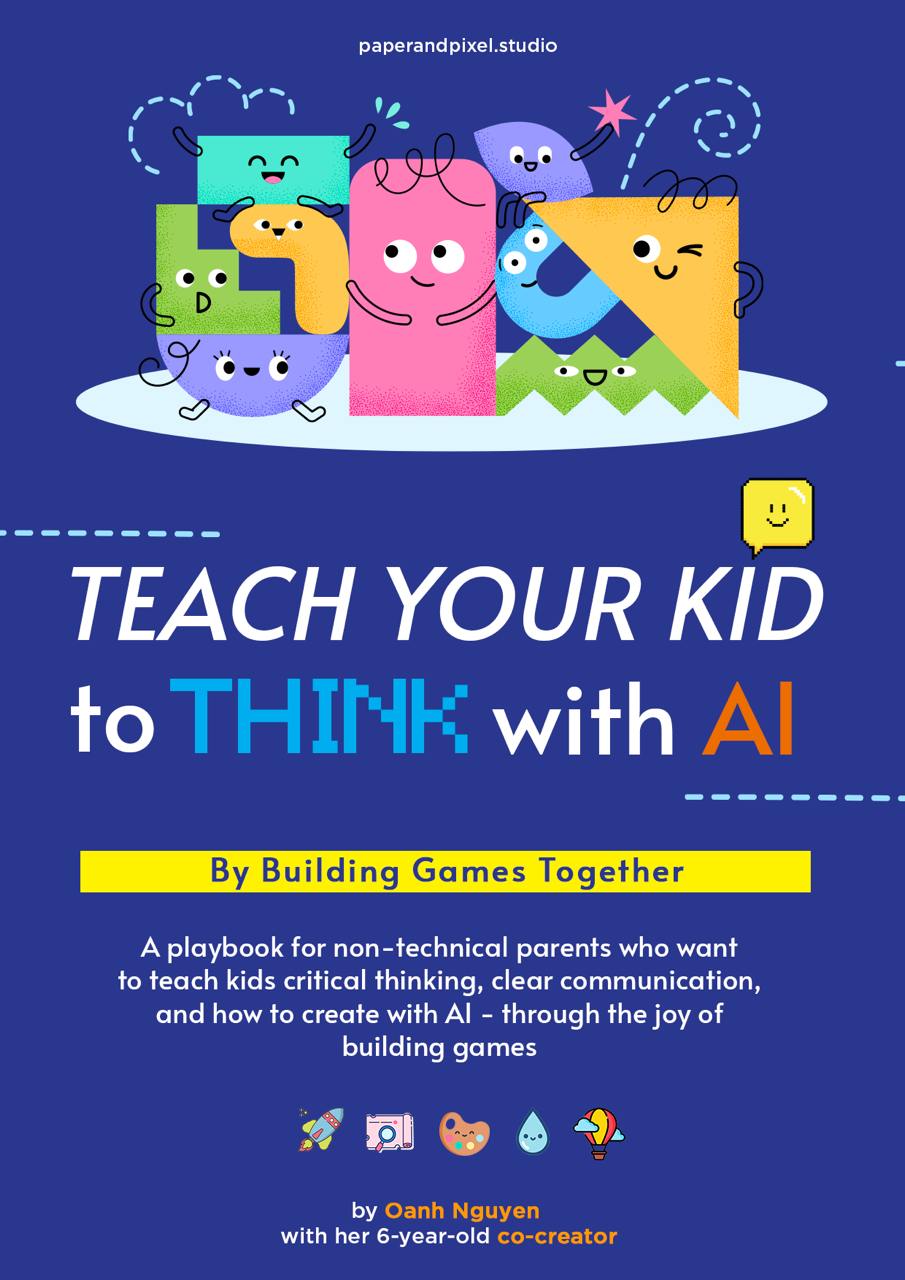
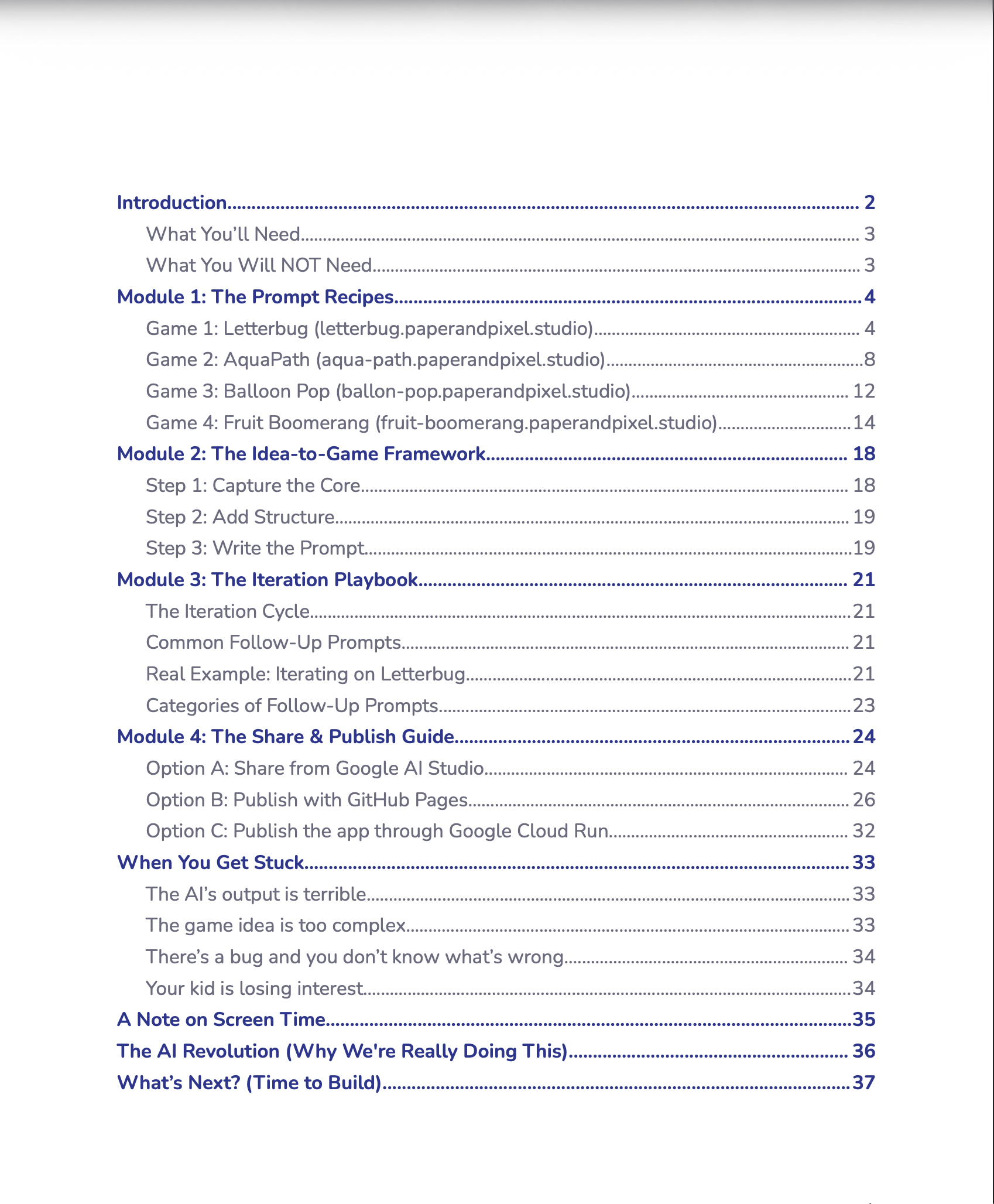
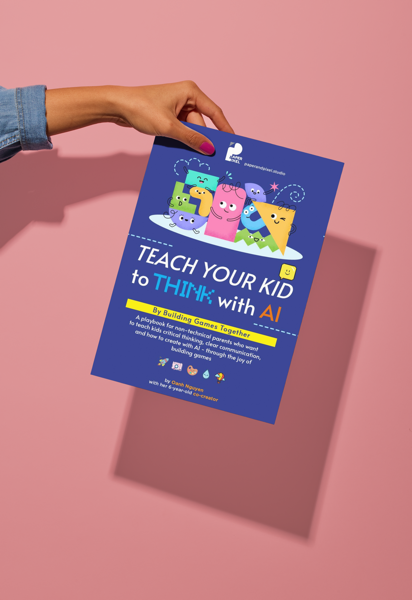
Create with AI together. This 38-page PDF playbook + AI Game Assistant Bot shows non-technical parents how to take a child's idea—from a crayon sketch to a spoken sentence—and turn it into a real, playable web game.
Along the way, children practise planning, clear communication, critical thinking, and thoughtful direction of AI. Zero coding required.
📄 38-page PDF + 🤖 Game Assistant Bot · Instant download
✏️
💡
It started with "No, I want to build the app with you."
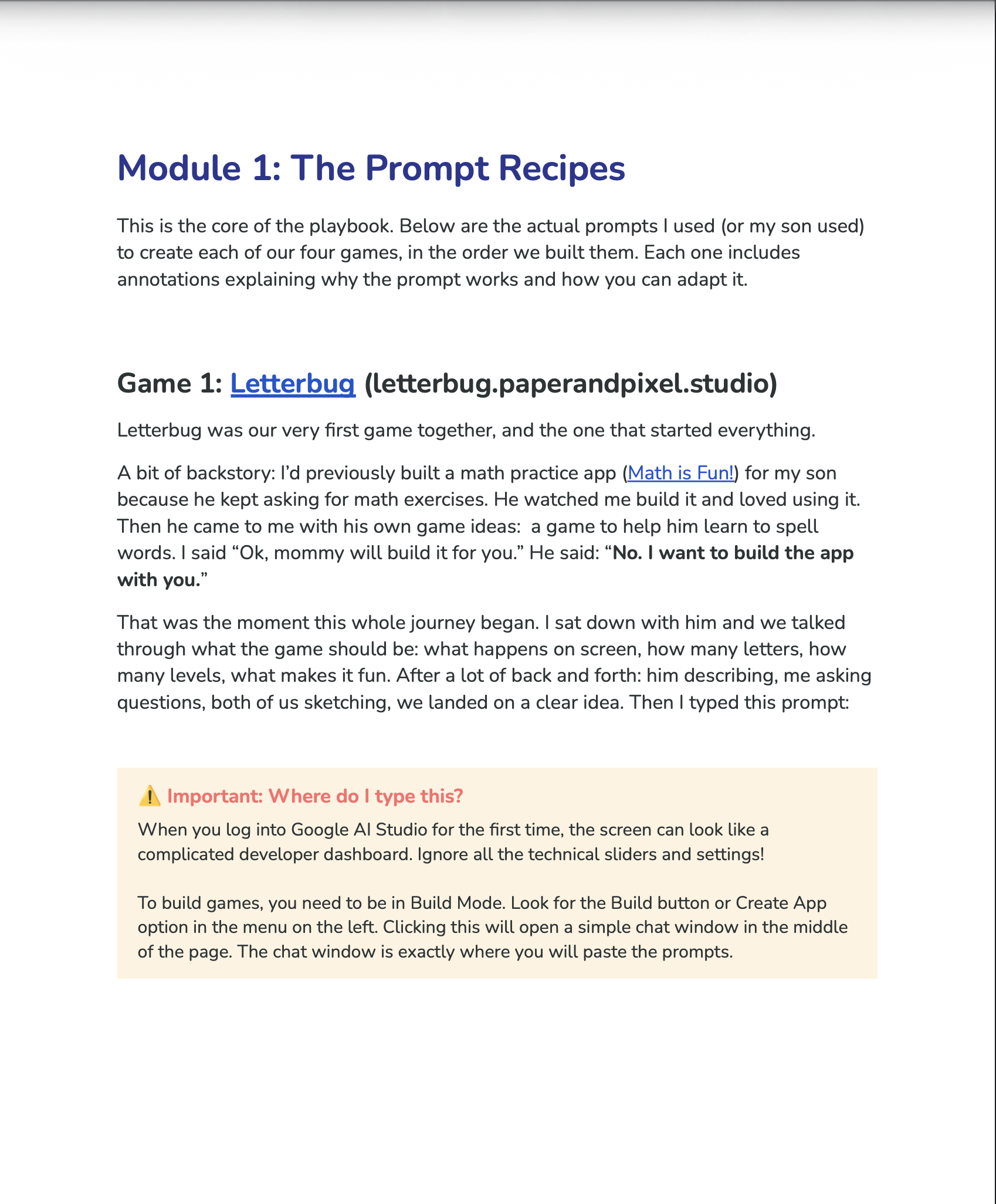
I'm not a developer. I don't write code. But I'd built a math practice app for my son using AI, and he loved it. When he came to me with his own idea — a spelling game — I said "Ok, mommy will build it for you." He said: "No. I want to build the app with you."
That changed everything. He started sketching game ideas on paper. He learned to describe what he wanted clearly — because the AI needed clear instructions. He looked at what the AI built and said "no, that's not what I meant" — and figured out how to guide it closer to his vision.
What we described to the AI:
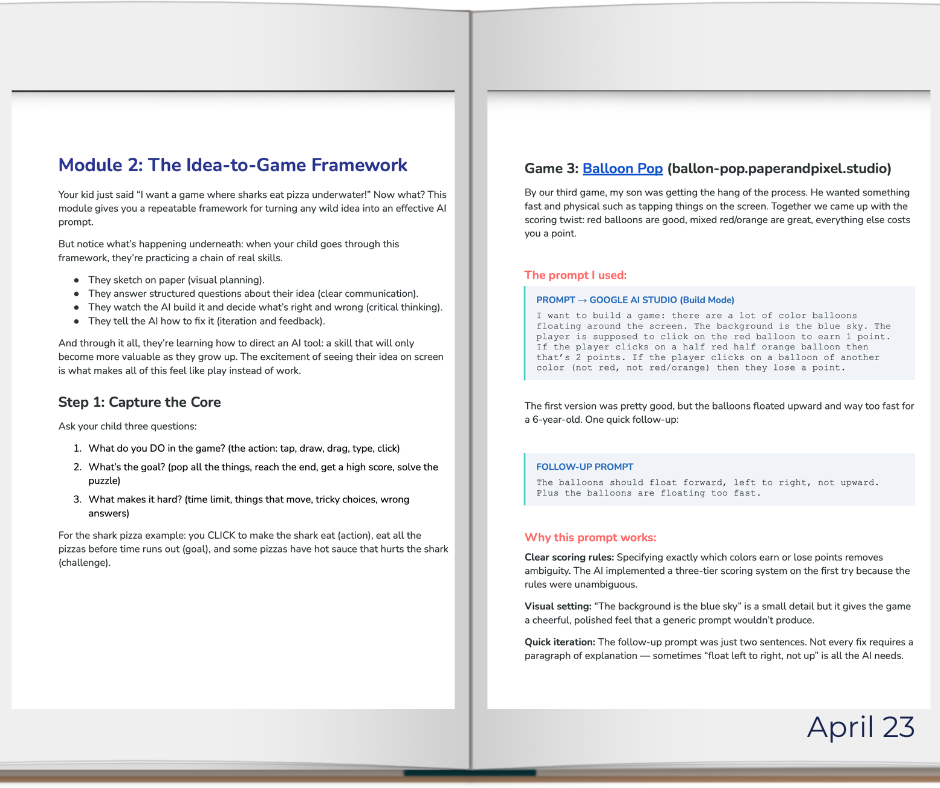
"I want to build a word game for kindergarteners. Present them with a few letters so they will try to form words..."
See the full annotated prompt — and why every word matters — in the playbook.
🐛 Letterbug — built in an hour, approved by the school principal the next day
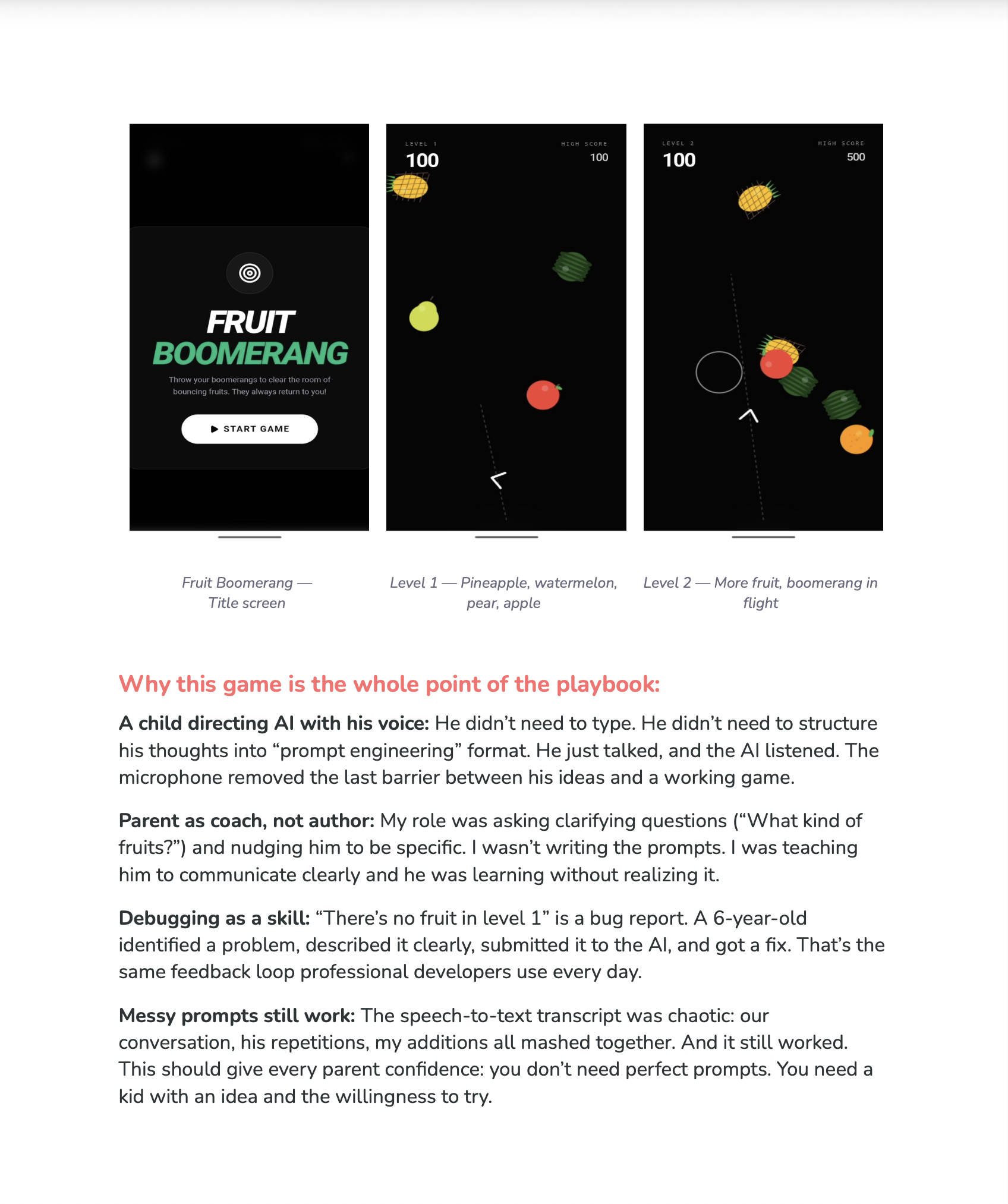
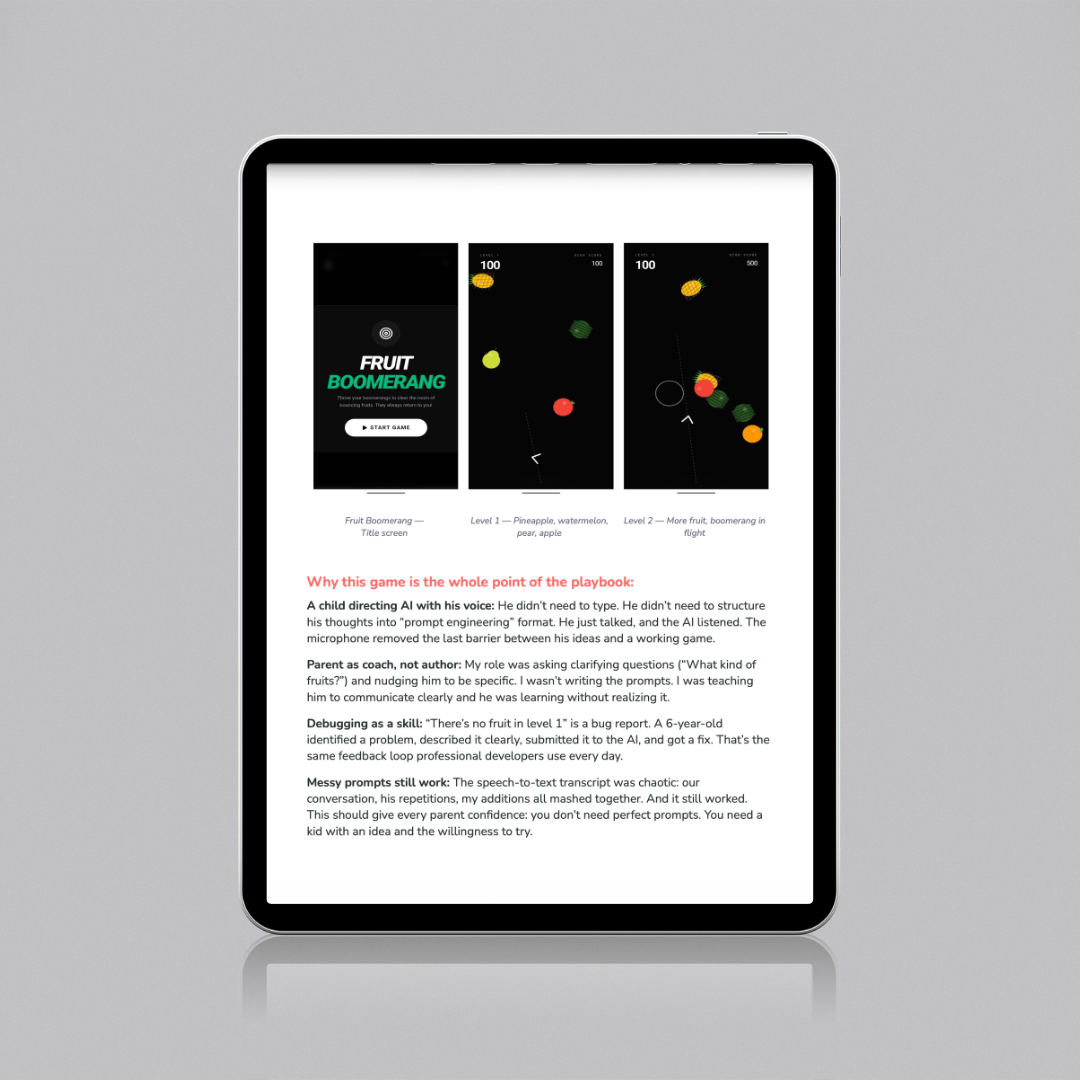
Our first game, Letterbug, ended up being used in his classroom. By the fourth game — Fruit Boomerang — he spoke the entire game into existence using a microphone. He can't type yet. He didn't need to.
📖 You just read the backstory. The playbook goes deeper.
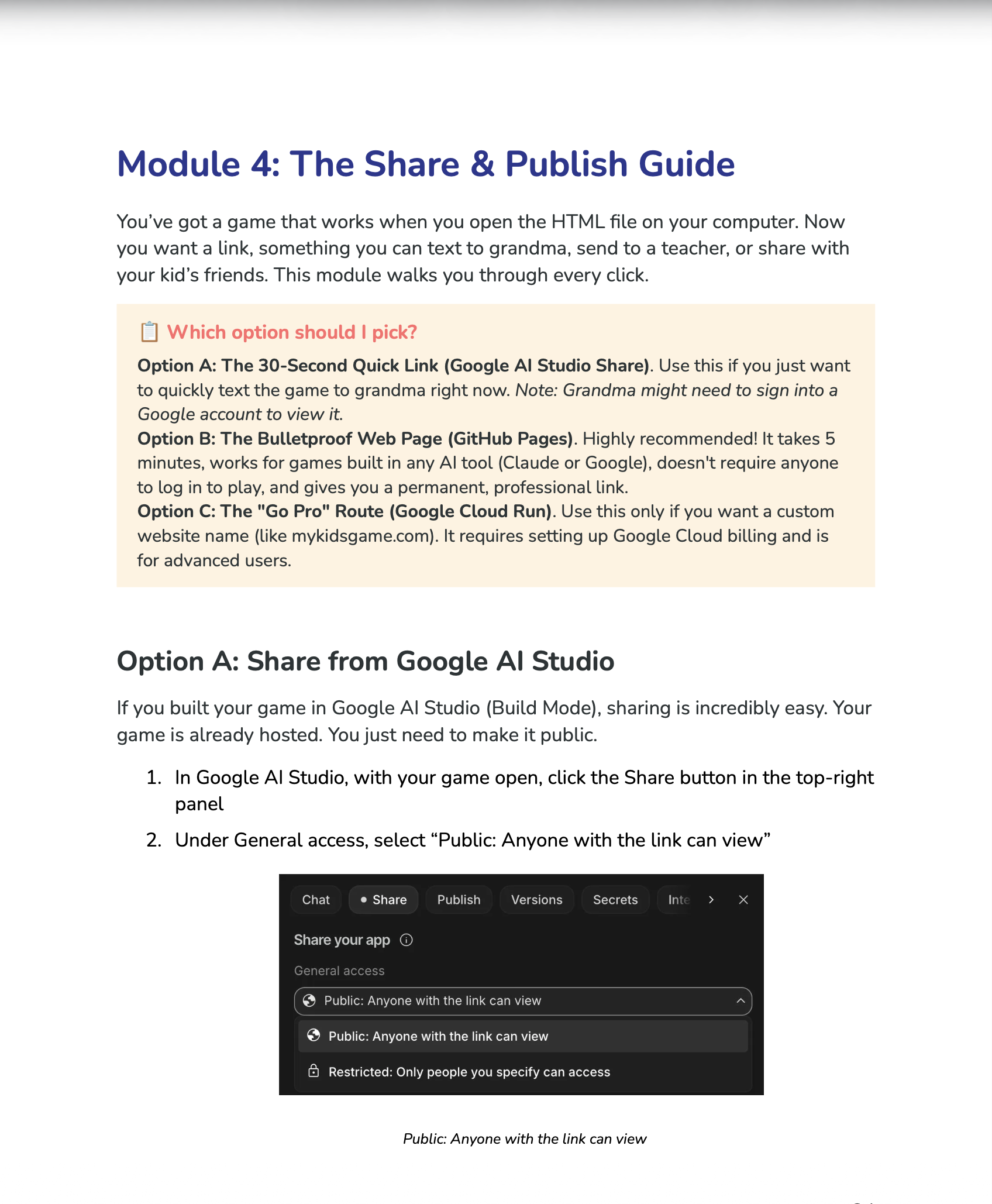
Inside: the full annotated prompts, the Idea-to-Game framework, the iteration strategy, the step-by-step publish guide, and a live AI Game Assistant Bot that helps your kid build their first game.
Get the Playbook — S$22.50 →
One-off payment · Instant download · 38-page PDF + Game Assistant Bot access
❓
💬
Common questions
Do I need to know how to code?
Not at all. The author doesn't code either. The entire playbook is built around describing what you want in plain English and letting AI generate the code.
My kid can't type yet. Can they still do this?
Absolutely. Our 6-year-old spoke his prompts using a microphone — he built Fruit Boomerang entirely with his voice.
Isn't this just more screen time?
Much of the process happens off-screen — sketching, talking, and planning together. On-screen time is purposeful and collaborative: children test what AI made, explain what is wrong or missing, and decide what to change. Families should still follow their own household rules and age-appropriate guidance.
What if we get stuck?
Ask the AI. Describe what's going wrong and it will usually help. The playbook covers common stuck points.
How long does it take to build a game?
Most games take 30–90 minutes from idea to playable link.